
Green Dino
The all-in-one Discord bot - moderation, economy, and a bit of fun.
Overview
Green Dino is my Discord bot, running around the clock on real servers. It bundles moderation tools, a small economy system and playful extras - reliable, tidy and built with an eye for detail. Rebirth v3 rebuilt it from the ground up.
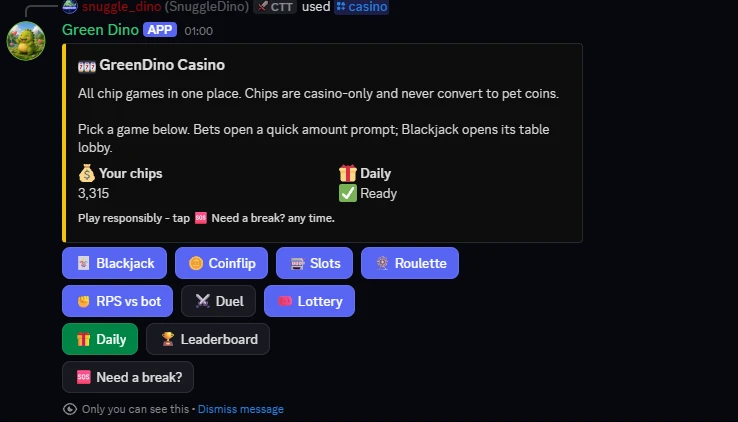
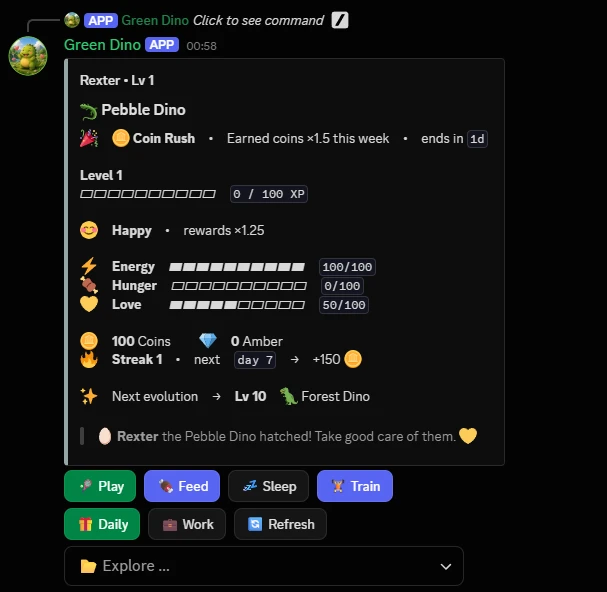
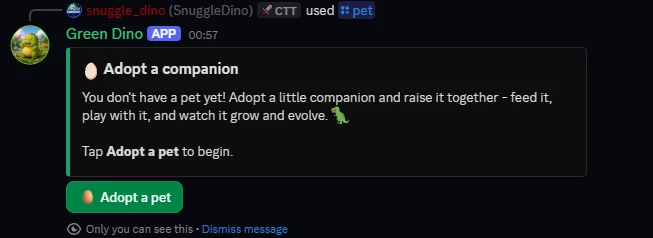
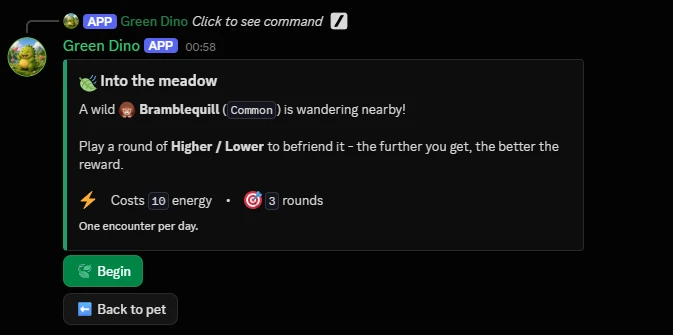
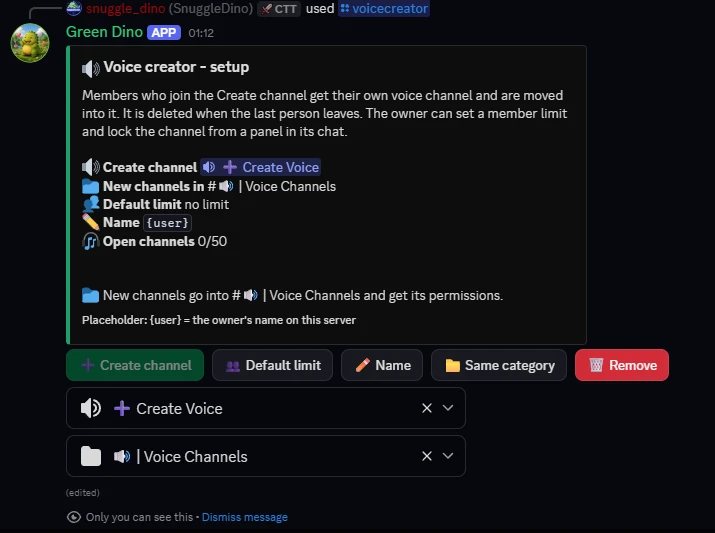
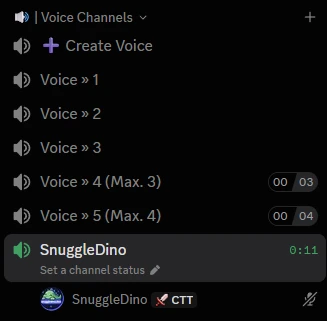
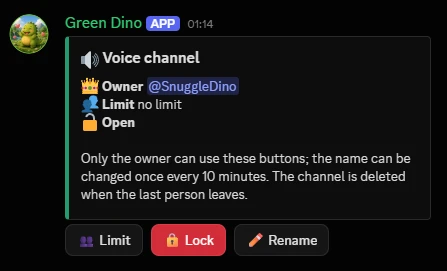
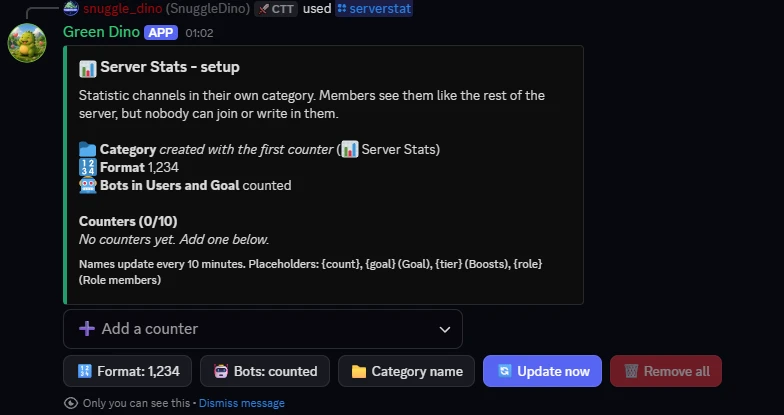
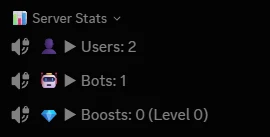
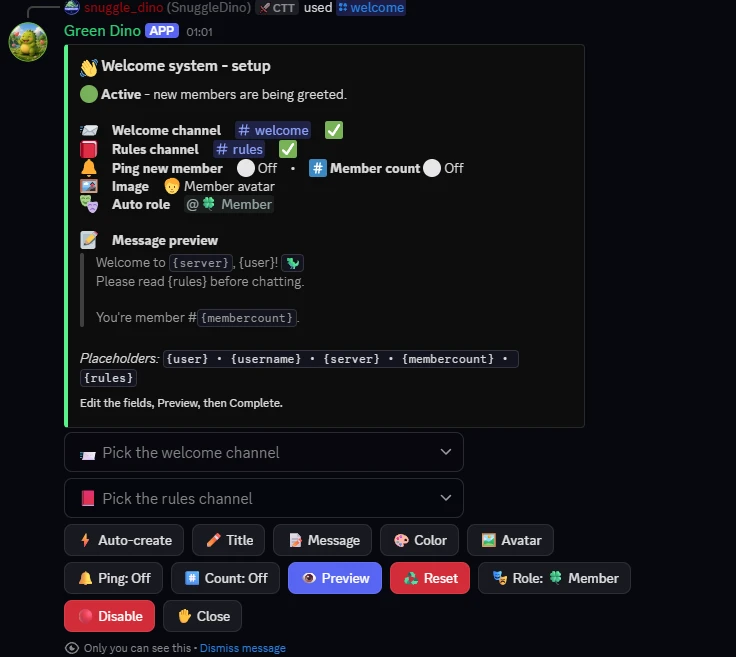
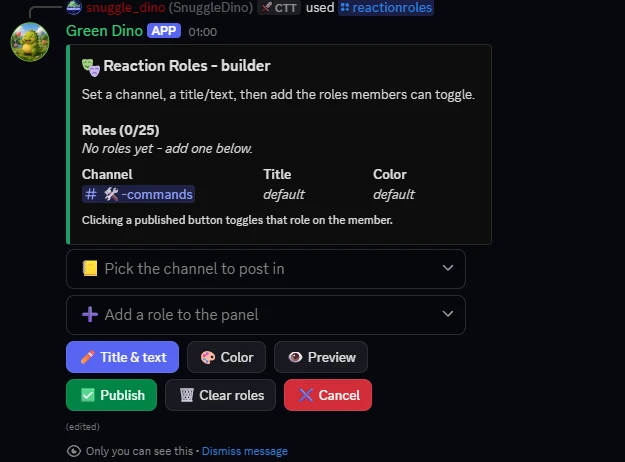
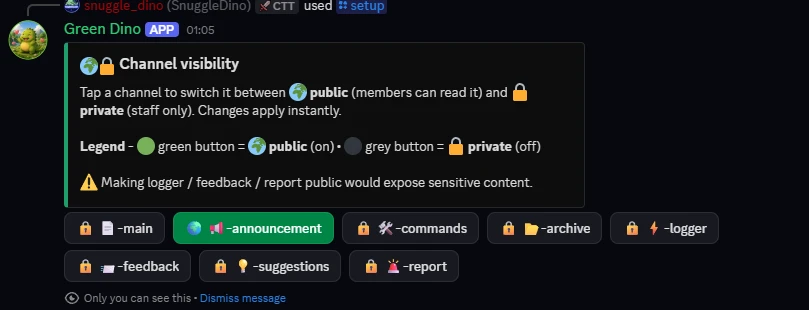
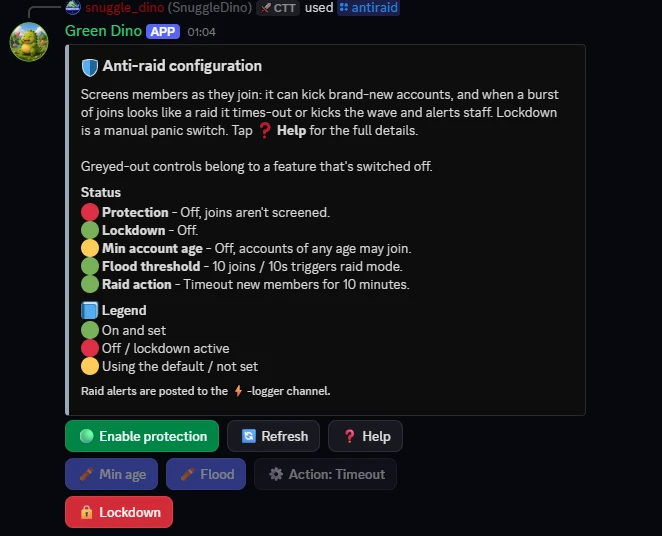
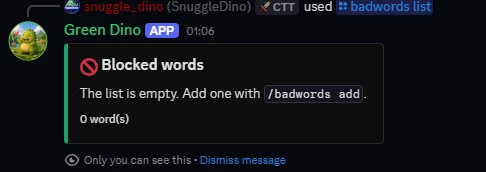
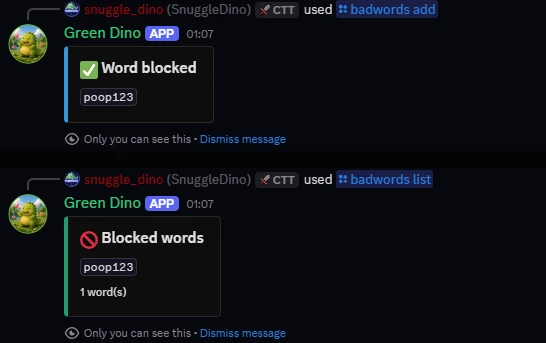
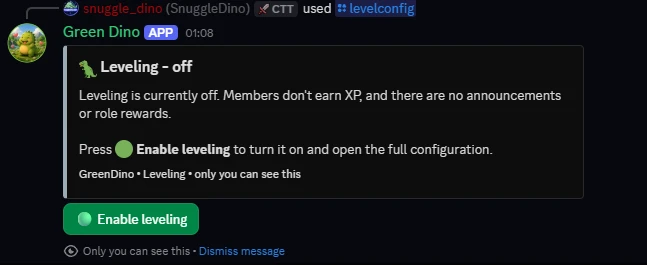
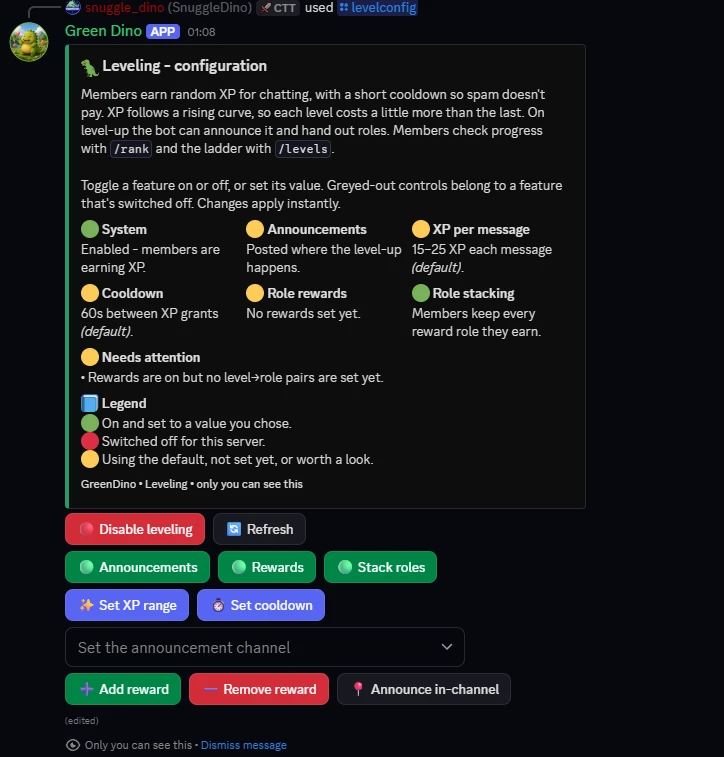
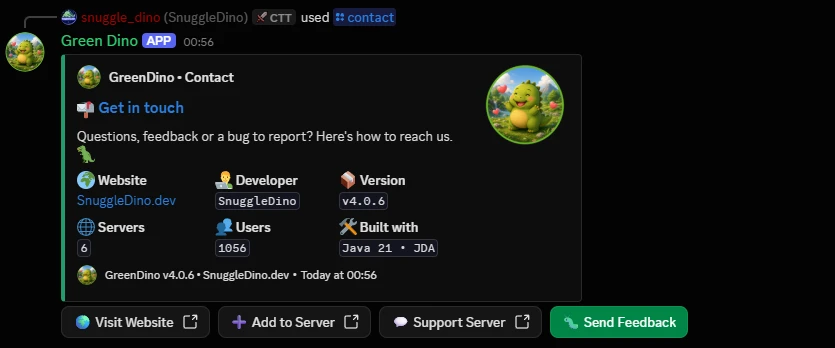
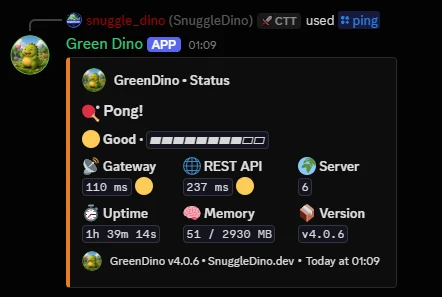

- Moderation and warnings: Quick actions and traceable warnings.
- Blacklist: Keep unwanted users and content out.
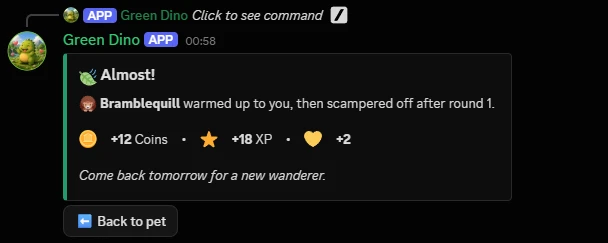
- Virtual pets: Little companions to collect and care for.
- Blackjack economy: A playable economy with betting and payouts.
- Fun commands: 8ball and other little extras.
- Live around the clock: Stable on real servers, now at version 4.0.
Versions
4.0.6
Fixed
- A casino break really stops all bets.
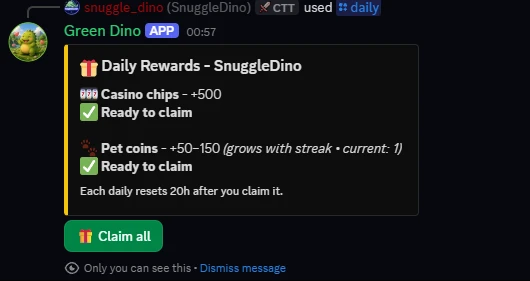
- Bailout once a day.
- Daily and bailout say what happened.
- "All in" bets what you have.
- A break shows up front.
- A break stays private.
- /duel, accepting a duel, /rps against a player, accepting an RPS challenge, /casino, its leaderboard and lottery panel and /lottery status acknowledge the click before checking anything, and a slow database no longer holds up RPS challenges on every server.
- A short database hiccup is one log line.
Changed
- New column casino_wallet.last_bailout_at (migration V50).
- /reset-user "Personal data" and data deletion keep a running casino break until it ends; the user's deletion notice, the developer's confirmation and the entries overview say so.
- The break help says "every casino bet": daily chips, the bailout and games without chips stay open.
- /serverinfo is easier to read.
- One set of colors everywhere.
4.0.5
Fixed
- Paying and getting happen together.
- A pet slot purchase can't buy the next slot.
- Stakes of running rounds are safe.
- Quest rewards can't get lost.
- Casino actions answer first.
- /give (owner) changes a balance relative to its current value, can't overflow, and a form is applied only once.
- When an item can't be given back after a failed use, Green Dino says so instead of staying silent.
Changed
- New table casino_open_stakes (migration V49) for the stakes of running rounds; an entry is removed when its round ends.
- Settle, the result of a money operation, is its own class and is now used for pet coins and amber too.
4.0.4
Fixed
- AutoMod also checks edited messages.
- Pet names stay plain names.
- /poll respects channel permissions.
- World-wide /announce never pings.
- /contact feedback has a 10 minute cooldown per person.
Changed
- MemberCooldown and RenameBudget moved to util, since several features use them now.
4.0.3
Fixed
- Green Dino can see its own tickets.
- The staff role is pinged when a ticket is opened and when it is marked Urgent.
- A double click on "Open ticket" opens only one ticket.
- Closing a ticket never loses the transcript.
- Auto-close works.
- Ticket buttons, menus and forms answer right away.
- A double click on /setup no longer creates the channel structure twice.
- The birthday role is taken back.
- Birthday announcements come exactly once a day, even if saving fails.
- /reset-user and data deletion also remove the birthday role entry.
4.0.2
Fixed
- Moderation commands check Green Dino's permissions first.
- /timeout sends the DM once the timeout went through.
- Temp-bans no longer turn permanent by accident.
- /tempban saves the case before banning; if saving fails, nobody is banned.
- Unlocking only opens what was locked.
- Without Administrator, Green Dino locked itself out too and could not unlock the channel again.
- Warning steps can't be skipped anymore.
- A warning step no longer shortens a longer timeout that is already running.
- /warn answers right away; the auto-ban notice is posted as its own public message.
- Reasons and notes are limited to 500 characters.
The entries come from the Green Dino changelog.
Commands
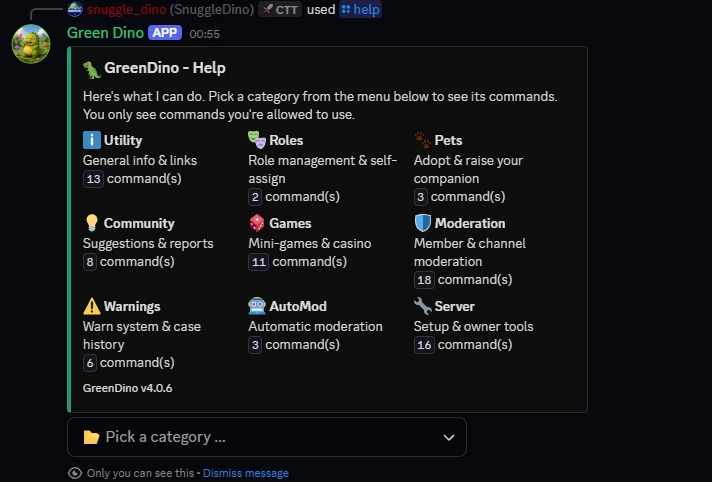
All commands at a glance, by category. In Discord, Green Dino only ever shows you the commands you are allowed to use.
UtilityRolesPetsCommunityGamesModerationWarningsAutoModServer
/pingShow GreenDino's latency, uptime and status./contactShow contact info, links and credits./helpShow an overview of GreenDino's commands./askAsk the AI a question (if enabled)./dailyClaim your daily casino chips and pet coins in one place./profileShow your GreenDino profile, or another member's./rankShow your level and XP, or another member's./levelsShow the server XP leaderboard./remindmeSet a personal reminder, or list your pending ones./requestAsk the developer to delete the data Green Dino stores about you./userinfoShow info about a member (or yourself)./avatarShow a user's avatar in full size./serverinfoShow info and stats about this server.
/roleInspect, grant or remove a role./reactionrolesBuild a self-assign role panel members can click. To change a panel, right-click it, Apps, Edit reaction roles.
/petAdopt and raise your own virtual pet./giftGift one of your items to another player./petleaderboardShow the global top companions by level.
/suggestSuggest an idea for the server. Members vote; staff decide./reportReport a member to the moderators (with category & optional evidence)./afkSet yourself AFK; I'll tell people who mention you./repGive reputation to a member, or view the standings./pollStart a poll members can vote on (up to 5 options)./giveawayCreate and manage giveaways./birthdaySave your birthday so the server can celebrate it./ticketOpen or close a support ticket.
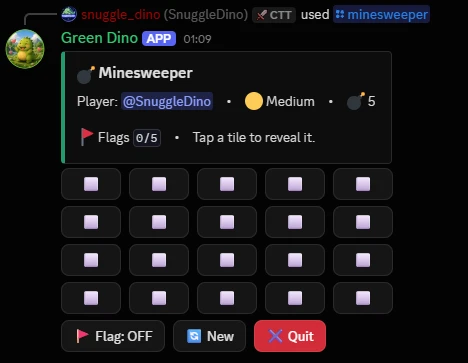
/casinoOpen the casino hub: all chip games, daily and leaderboard in one place./blackjackPlay blackjack with casino chips. Bet an amount or go all-in./rpsPlay Rock-Paper-Scissors against the bot, or challenge a player for chips./minesweeperPlay a quick 5x4 game of Minesweeper (just for fun)./coinflipFlip a coin for fun, or bet casino chips on heads/tails./slotsSpin the slot machine for fun, or bet casino chips./triviaAnswer trivia questions and earn casino chips for correct answers./rouletteSpin the roulette wheel and bet casino chips./duelChallenge another player to a casino-chip duel./lotteryBuy lottery tickets with chips; a winner is drawn daily./8ballAsk Bing Bong's 8-ball a yes/no question. Alias: /bingbong.
/kickKick a member from the server./banBan a user from the server./tempbanBan a user for a set duration, with automatic unban./softbanKick a user and wipe their recent messages (ban + instant unban)./unbanLift a ban using the user's ID./timeoutTemporarily mute a member (Discord timeout)./untimeoutRemove a member's timeout early./noteAdd an internal moderator note about a user./notesList the moderator notes on a user./delnoteRemove a moderator note by its case number./purgeDelete recent messages in this channel./slowmodeSet this channel's slowmode delay./lockStop @everyone from sending messages in this channel./unlockLet @everyone send messages in this channel again./lockdownLock or unlock any channel for @everyone, with a visible notice./nickChange or reset a member's nickname./snipeShow the last deleted message in this channel./modstatsShow moderation activity for this server.
/warnGive a member a warning. Warnings stack and can auto-escalate./warningsList a member's active warnings./delwarnRemove a single warning by its case number./clearwarningsRemove all active warnings of a member./caseShow a single moderation case in detail./modlogsShow a member's full moderation history.
/badwordsManage the AutoMod blocked-word list./automodConfigure AutoMod rules and thresholds for this server./loggingChoose which events get posted to the log channel.
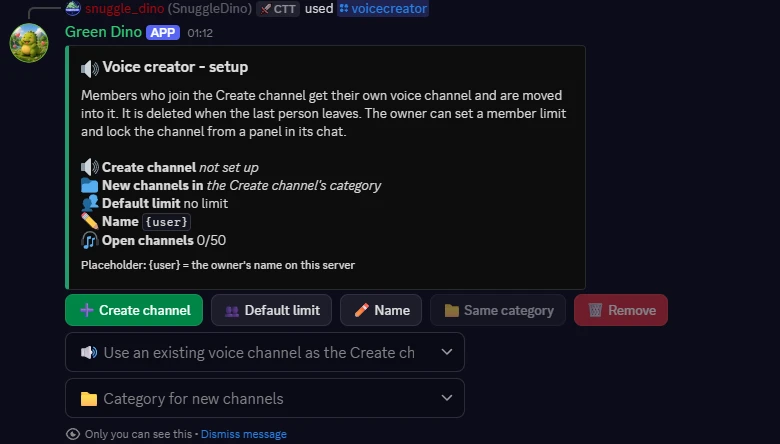
/setupCreate or delete the GreenDino channel structure (admins only)./welcomeSet up the welcome message and the auto role for new members./serverstatSet up statistic channels: members, bots, boosts, goals and more./voicecreatorSet up join-to-create voice channels with a member limit and lock./levelconfigOpen the chat-leveling configuration panel./antiraidOpen the anti-raid protection panel (with a Help button)./verifySet up member verification.
Planned
New panels
The setup panels are meant to get clearer: sections with buttons right next to their lines, dividers and pictures. /serverstat and /welcome come first.
A language per server
Each server is meant to be able to choose the language Green Dino answers in.
Help
How do I add Green Dino to my server?
With the "Invite the bot" button at the top. On that server you need the "Manage Server" permission.
Why do I not see every command?
In Discord, Green Dino only ever shows you the commands you are allowed to use. Moderation commands are visible only to people with the matching rights.
What does Green Dino store?
No chat messages. It stores your Discord ID, game and progress data, whatever you enter yourself through a command, and which commands you used when. The privacy page has the rest.
How do I get my data deleted?
With /request data-deletion, on any server with Green Dino or in a direct message to the bot. You give a short reason, then I review the request and decide what gets deleted, usually everything. You get the result by direct message, so direct messages from Green Dino need to be allowed. You can send one request every 30 days. Entries about server moderation, such as warnings, stay, as described in the privacy policy. Without Discord, send a request to the address in the legal notice.